
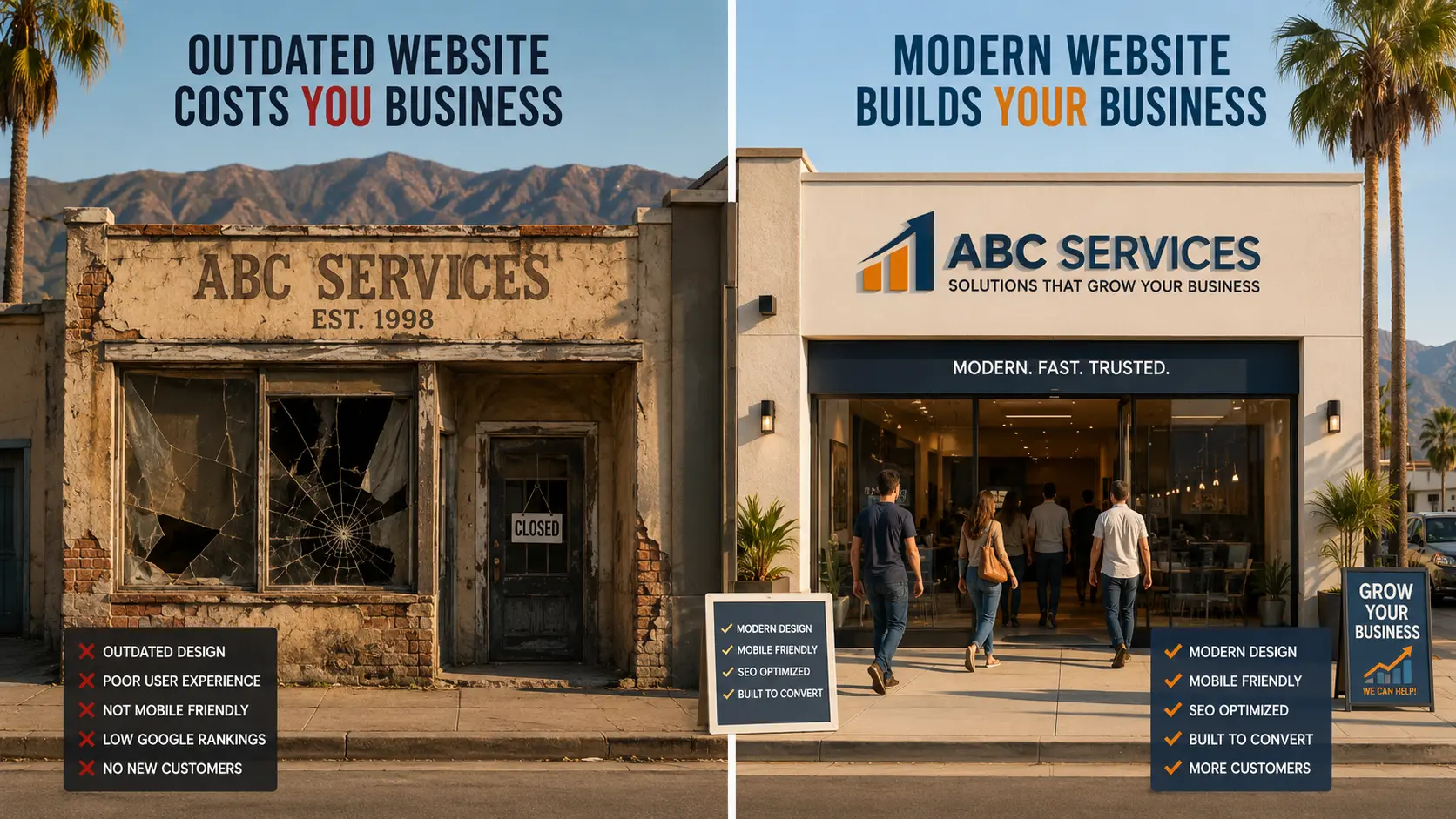
Your website from 2018 isn't just embarrassing; it's bleeding revenue every single day.
There's a conversation we have regularly with Inland Empire business owners that goes something like this:
"Our website is a little old, but it still works. We're not ready to invest in a redesign yet."
We understand the hesitation. A website redesign feels like a big expense with uncertain returns. You've got other priorities. The current site "gets the job done."
But here's the problem with that thinking: an outdated website isn't neutral. It's actively costing you money.
Not in an obvious, dramatic way. More like a slow leak; customers who don't call, leads that quietly disappear, Google rankings that gradually erode. Month after month, year after year, the bill adds up.
This guide is for business owners in Riverside, San Bernardino, Corona, Ontario, Temecula, and across the Inland Empire who are on the fence about updating their site. We're going to put a real number on what "waiting" is actually costing you, and help you decide if now is the time to act.
What Makes a Website "Outdated"?
First, let's define what we're talking about. A website isn't outdated just because the design feels stale. Outdated means it no longer meets the technical and user experience standards customers, and Google, expect in 2026.
Design Age Indicators
Era | Design Hallmarks | Problem |
|---|---|---|
Pre-2015 | Flash elements, fixed-width layouts, background textures | Non-functional, penalized by Google |
2015-2018 | Basic responsiveness, stock photos, cluttered layouts | Below modern standards |
2018-2021 | Carousel sliders, heavy page builders, dated typography | Increasingly outdated |
2021-2023 | May be fine visually but lacking performance optimization | Technical debt accumulating |
Technical Age Indicators
Beyond aesthetics, a technically outdated website includes:
PHP version below 8.0: Google now actively penalizes older PHP versions
WordPress below version 6.0: Security vulnerabilities, missing features
Non-mobile-responsive: Still exists more than you'd think
No SSL certificate: Showing "Not Secure" in browsers
Page load time over 5 seconds: Outdated code and infrastructure
No Core Web Vitals optimization: Failing Google's performance metrics
Flash content: No longer supported by any modern browser
Missing structured data/schema: Invisible to modern search features
No Google Analytics 4: Flying blind on visitor data
Content Age Indicators
Copyright year in footer showing 2020 or earlier
Staff photos and bios from previous employees
Services you no longer offer
Old pricing (or placeholder pricing)
Blog with last post from 2022
Testimonials referencing outdated achievements
Broken links throughout the site
If your website checks multiple boxes in any of these categories, you're not just dealing with a cosmetic issue, you're dealing with a business performance problem.
The Real Costs of an Outdated Website
Let's get specific. Here are the seven ways an outdated website costs Inland Empire businesses real money:
Cost #1: Lost Customers to Competitors
The Mechanism:
When a potential customer in Fontana searches for "roofing contractor near me" and your outdated site appears alongside a competitor's modern, fast, mobile-optimized site, which one do they call?
The answer isn't flattering. Studies consistently show that 75% of consumers judge a company's credibility based on website design. First impressions happen in 50 milliseconds. Before a visitor reads a single word, they've already formed an opinion.
The Inland Empire Reality:
The IE is one of California's fastest-growing regions. New businesses open regularly. Competitors invest in modern web presence. Every month you delay, the gap between your site and theirs widens.
Estimated Cost:
If an outdated website causes you to lose even 3-5 customers per month who choose a competitor instead, and your average customer value is $500-$2,000, that's:
Conservative: 3 lost customers × $500 = $1,500/month ($18,000/year)
Moderate: 5 lost customers × $1,000 = $5,000/month ($60,000/year)
High-value services: 3 lost customers × $2,000 = $6,000/month ($72,000/year)
Cost #2: Declining Google Rankings
The Mechanism:
Google's algorithm doesn't care how long you've been in business or how good your services are. It cares about signals, and an outdated website sends all the wrong ones.
Signals That Hurt Your Rankings:
High bounce rate: Visitors leave immediately when a site looks outdated
Low time on site: No engagement from disinterested visitors
Poor Core Web Vitals: Old code fails Google's performance metrics
Missing mobile optimization: Google uses mobile-first indexing
No fresh content: Last blog post from 2022 signals neglect
Slow page speed: Outdated infrastructure can't compete
The Compound Effect:
Search rankings aren't static. They shift continuously based on signals. An outdated site sends negative signals every day, gradually sinking in rankings while competitors with modern sites climb above you.
A business that ranked on the first page in 2022 can easily find itself on page two or three by 2026, not because anything dramatic happened, but because they stood still while the world moved forward.
Estimated Cost:
The difference between page 1 and page 2 in Google search results is enormous. Page 1 results capture approximately 71% of all clicks. Page 2? Less than 6%.
If your site currently gets 500 visitors per month from organic search and you slip from page 1 to page 2, you could lose 400+ monthly visitors. At a 2-3% conversion rate, that's 8-12 lost leads per month, every month, indefinitely.
Cost #3: High Bounce Rates and Wasted Ad Spend
The Mechanism:
Many Inland Empire businesses invest in Google Ads, Facebook Ads, or other paid advertising to drive traffic to their website. An outdated website makes that investment dramatically less effective.
The Math Problem:
You spend $1,000/month on Google Ads
Ads drive 500 visitors to your outdated website
60% bounce immediately due to poor design/speed
Only 200 visitors actually engage
Effective cost per engaged visitor: $5.00
With a modern, optimized website:
Same $1,000/month spend
Same 500 visitors
Only 30% bounce (industry average for optimized sites)
350 visitors actually engage
Effective cost per engaged visitor: $2.86
Same budget. 75% more engaged visitors. Just from fixing the website.
For businesses spending $500-$3,000/month on paid advertising, an outdated website can effectively be wasting 30-60% of that budget.
Estimated Cost: 40-60% of your monthly ad spend, wasted on visitors who leave immediately.
Cost #4: Lost E-Commerce and Lead Revenue
The Mechanism:
If your website has a contact form, booking system, online store, or any conversion mechanism, an outdated website directly reduces the conversion rate of every visitor who arrives.
Why Outdated Sites Convert Poorly:
Unclear or outdated calls-to-action
Contact forms that feel dated (or broken)
No trust signals (current certifications, recent reviews)
Poor mobile experience making forms hard to complete
Slow load times causing abandonment mid-process
Outdated SSL that browsers flag as insecure
Navigation that doesn't guide users toward conversion
Industry Benchmarks:
Website Quality | Average Conversion Rate |
|---|---|
Modern, optimized | 3-5% |
Average | 1.5-2.5% |
Outdated | 0.5-1.5% |
The Difference:
For 1,000 monthly visitors:
Modern site at 4%: 40 leads
Outdated site at 1%: 10 leads
That's 30 missed leads per month, every month.
Cost #5: Damaged Brand Perception
The Mechanism:
In every industry, your website communicates something about your business before you ever speak to a prospect. An outdated website communicates things you definitely don't want it to.
What an Outdated Website Signals:
What the Site Shows | What Customers Think |
|---|---|
Design from 2015 | "This company isn't keeping up with the times" |
Slow loading | "They don't care about their customers' experience" |
Broken elements | "If they can't maintain their website, what else isn't maintained?" |
Stock photos from 2010 | "This isn't a real business" |
No recent testimonials | "Something changed, maybe it's not as good anymore" |
Copyright year 2020 | "Is this business even still operating?" |
The Referral Impact:
Many Inland Empire businesses rely heavily on referrals. When a satisfied customer refers a friend, the first thing that friend does is look up your website. If the site undermines the referral, you lose a warm lead, the highest-converting type of prospect.
Estimated Cost:
If your outdated website kills just 20% of referral conversions, and referrals represent 10 potential customers per month worth $800 average, that's:
2 lost referral conversions × $800 = $1,600/month ($19,200/year)
Cost #6: Technical Debt and Emergency Costs
The Mechanism:
The longer you run an outdated website, the more technical debt accumulates. Technical debt is the compounding cost of deferred maintenance, small problems that grow into big, expensive ones.
What Technical Debt Looks Like:
Plugin incompatibilities: Outdated plugins conflict with each other, causing errors
PHP version conflicts: Old code that doesn't work with modern PHP
Hosting restrictions: Hosting companies dropping support for old PHP versions
Theme compatibility: Visual and functional breakdowns after WordPress updates
Security vulnerabilities: Unmaintained code with known exploits
Browser compatibility: Features that worked in 2018 don't work in modern browsers
The Emergency Cost:
When technical debt finally breaks something, and it always does, fixing it on an outdated foundation costs significantly more than it would have on a modern one.
Emergency website fixes on outdated systems typically cost:
Minor issues: $200-$500
Significant breakdowns: $500-$2,000
Major failures requiring partial rebuilds: $2,000-$8,000
And these don't include downtime costs.
Cost #7: Employee and Operational Inefficiency
The Mechanism:
Outdated websites often lack the integrations, automation, and functionality that modern sites offer. This creates operational friction that costs time and money.
Examples:
No online booking: Staff manually scheduling appointments that customers want to book online
No contact form → CRM integration: Manually entering leads into your system
No live chat: Missing real-time customer questions
No FAQ or knowledge base: Staff answering the same questions repeatedly
No e-commerce: Processing phone orders instead of online transactions
No Google Analytics: Making marketing decisions blind
The Hidden Cost:
If outdated website functionality wastes 2 hours of staff time per week, at $20/hour:
2 hours × $20 × 52 weeks = $2,080/year in staff inefficiency
For businesses with higher labor costs or more significant friction, this number escalates quickly.
The Tipping Point: When "Not Yet" Becomes Too Expensive
Let's consolidate the costs we've outlined:
Cost Category | Conservative Monthly Estimate |
|---|---|
Lost customers to competitors | $1,500 |
Declining organic traffic | $800 |
Wasted ad spend | $400 |
Poor conversion rate | $1,200 |
Lost referral conversions | $1,600 |
Technical debt/emergency | $150 (averaged) |
Operational inefficiency | $175 |
Total Monthly Cost | $5,825 |
Conservative annual cost of an outdated website: $69,900
Even if these estimates are 50% too high for your specific business, you're still looking at $35,000+ per year in avoidable losses.
Compare that to the cost of a professional website redesign: typically $3,500-$10,000 for most Inland Empire small businesses, with a payback period of 1-3 months.
The numbers make a compelling case.
Redesign vs. Refresh: What Does Your Site Actually Need?
Not every outdated website needs a complete rebuild. Here's how to determine the right approach:
Option 1: Content Refresh (DIY-Friendly)
Best For: Site that's technically sound but has stale content
What It Involves:
Update photos and images
Refresh written content
Add recent testimonials
Update business information
Add new service pages
Start or revive the blog
Cost: $0 (DIY) to $500-$2,000 (professional copywriting) Time: 1-2 weeks Impact: Moderate
Option 2: Performance Optimization (Technical)
Best For: Site with decent design but poor performance scores
What It Involves:
Image optimization
Caching configuration
CDN setup
Database cleanup
Code minification
Core Web Vitals optimization
Cost: $300-$800 (professional service) Time: 1-2 days Impact: High for search rankings and conversions
Option 3: Targeted Design Updates
Best For: Site that functions well but looks dated in specific areas
What It Involves:
Homepage redesign
New photography
Updated color scheme and typography
Mobile navigation improvements
New calls-to-action
Cost: $1,500-$4,000 Time: 2-4 weeks Impact: Moderate to High
Option 4: Full Redesign
Best For: Sites that are failing on multiple dimensions
What It Involves:
Complete new design and development
Modern responsive framework
Performance-optimized from the ground up
Updated content architecture
SEO foundation rebuild
Conversion optimization
Integration with current tools
Cost: $4,000-$12,000 for most IE small businesses Time: 4-8 weeks Impact: High across all dimensions
The Decision Framework
Choose a Content Refresh if:
Technical scores are good (70+)
Design is relatively modern (2020+)
Problems are primarily outdated content
Choose Performance Optimization if:
Design is acceptable
PageSpeed score is below 50
Core Web Vitals are failing
Choose Targeted Updates if:
Site is functional but visually dated in key areas
Budget is limited
Full redesign isn't feasible right now
Choose a Full Redesign if:
Site is over 4-5 years old
Multiple dimensions are scoring poorly
You're losing customers to better-looking competitors
Technical debt is creating ongoing problems
What a Modern Website Should Include in 2026
If you're considering a redesign, here's what the investment should deliver:
Design & User Experience
Mobile-first design: Built for phones, scales to desktop
Fast loading: Under 2.5 seconds on mobile
Clear navigation: Users find what they need immediately
Compelling calls-to-action: Every page drives toward conversion
Authentic imagery: Real photos of your team, work, and location
Accessible design: Usable by visitors with disabilities (also required for ADA compliance)
Technical Foundation
WordPress current version: Security and performance
Optimized hosting: Not the cheapest option
SSL/HTTPS: Required, not optional
CDN integration: Global content delivery
Core Web Vitals optimized: Passing all three Google metrics
Schema markup: Rich snippets in search results
Google Analytics 4: Real-time performance data
SEO Infrastructure
Local SEO optimization: Targeting Inland Empire searches
Location pages: City-specific content for Riverside, San Bernardino, Corona, etc.
Optimized meta data: Every page has targeted title and description
Internal linking structure: Guides visitors and distributes authority
Blog foundation: Platform for ongoing content marketing
Conversion Features
Working contact forms: With delivery verification
Click-to-call: Essential for mobile visitors
Online booking/scheduling: If applicable
Chat functionality: For immediate engagement
Social proof: Reviews, testimonials, case studies
Trust signals: Certifications, awards, years in business
Real Redesign Results from Inland Empire Businesses
HVAC Contractor in Riverside
Before:
7-year-old website with dated design
PageSpeed score: 22
Monthly leads: 8-12
Ranking: Page 3-4 for primary keywords
After Redesign:
Modern design with clear service pages
PageSpeed score: 88
Monthly leads: 28-35
Ranking: Page 1 for 4 primary keywords
Result: 200%+ increase in monthly leads within 90 days
Professional Services Firm in Ontario
Before:
5-year-old site, clearly outdated design
No mobile optimization
No blog content
Monthly contact form submissions: 3-5
After Redesign:
Fully responsive modern design
Added 12 blog posts at launch
Location pages for 8 IE cities
Monthly contact form submissions: 18-22
Result: 320% increase in form submissions, $180,000+ in attributed new business in first year
Retail Business in Temecula
Before:
6-year-old site with e-commerce that barely worked
Mobile cart abandonment rate: 78%
Monthly online revenue: $4,200
After Redesign:
Modern e-commerce with streamlined checkout
Mobile cart abandonment: 34%
Monthly online revenue: $11,800
Result: $7,600/month increase in online revenue
The Right Time to Redesign
Many business owners wait for the "perfect" time; a slow season, a big campaign launch, a business milestone. The truth is, there's no perfect time. Every month you delay is a month of lost revenue.
Consider acting now if:
Your site is more than 4 years old
Competitors have noticeably better websites
Your PageSpeed score is below 50
Your bounce rate is above 65%
You're spending on advertising but seeing poor results
You've lost leads that went with a competitor
You're embarrassed to give out your website address
The ROI Timeline:
Most professionally redesigned websites for IE small businesses achieve full return on investment within 3-6 months, sometimes faster when advertising is involved.
A $6,000 redesign that generates 5 additional customers per month at an average value of $800 pays for itself in 1.5 months.
IE Web Services: Redesign Built for Inland Empire Businesses
We've been building and redesigning websites for local businesses across Riverside, San Bernardino, Corona, Ontario, Rancho Cucamonga, Temecula, and the entire IE for over 20 years. We understand your market, your customers, and what it takes to compete locally.
Our Redesign Process
Step 1: Discovery & Strategy We analyze your current site, your competitors, your goals, and your customers to build a strategic foundation.
Step 2: Design & Development Clean, modern, mobile-first design built for performance and conversion—not just aesthetics.
Step 3: Content & SEO Every page optimized for your target keywords and Inland Empire local search.
Step 4: Testing & Launch Thorough testing across devices, browsers, and speed benchmarks before going live.
Step 5: Ongoing Management Our Web CARE plans keep your new investment performing long-term.
What You Get
✅ Modern, professional design that converts
✅ Mobile-first, performance-optimized code
✅ Core Web Vitals compliance from day one
✅ Local SEO foundation built in
✅ Google Analytics 4 + Search Console setup
✅ Ongoing management options available
✅ No long-term contracts
Start with a Free Website Assessment
Not sure if a redesign is right for you? Let's look at your site together.
We'll provide an honest evaluation of:
Current design vs. competitor comparison
Technical performance scores
SEO gaps and opportunities
Conversion rate analysis
Specific recommendations and ROI estimate
No pressure. No obligation. Just real information to help you make the right decision.
Your website is either working for your business or against it. There's no neutral position. Let's make sure it's on your side.
IE Web Services proudly serves businesses throughout the Inland Empire, including Riverside, San Bernardino, Corona, Ontario, Rancho Cucamonga, Fontana, Moreno Valley, Temecula, Murrieta, Redlands, Beaumont, Perris, Menifee, Lake Elsinore, Eastvale, Jurupa Valley, Norco, Chino, Chino Hills, Upland, and surrounding communities.