
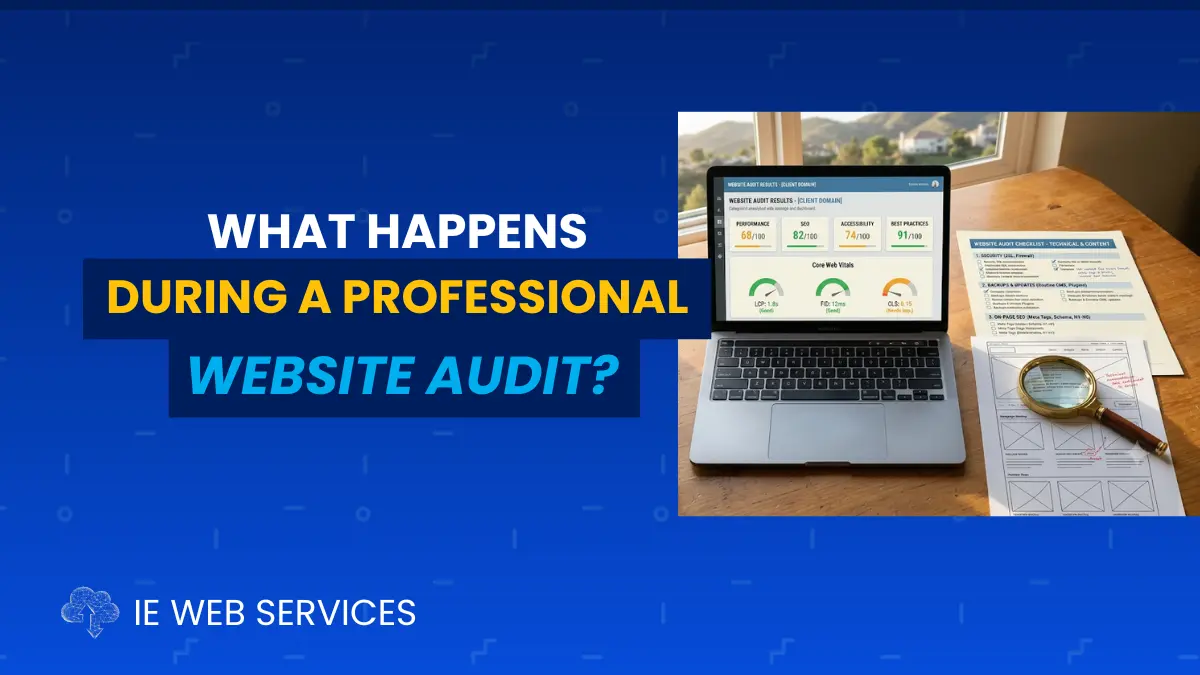
A website audit isn't someone glancing at your homepage and nodding approvingly.
It's a structured inspection that tells you, specifically, what's working, what's broken, and what's quietly costing you customers.
Priya owns a dental practice in Yucaipa. She'd been told for years by patients that her website "looked nice," which felt like a reasonable enough signal that things were fine. When a new marketing consultant asked if she'd ever had her website professionally audited, she wasn't entirely sure what that meant beyond someone looking at the site and telling her what they thought of the design.
The audit that followed looked nothing like that. It included a full technical review of her WordPress plugins and core version, a security scan that flagged two vulnerable plugins she'd never heard of, a Core Web Vitals report showing her mobile load time was well outside Google's acceptable range, a review of her Google Business Profile completeness, a check of her site's structured data, and a full inventory of broken links and outdated content across twelve pages. What "looked nice" had, underneath the surface, accumulated real technical debt that was actively suppressing her local search visibility.
This is the gap a professional website audit is designed to close. It's not a design opinion. It's a structured, methodical review across specific technical, security, performance, and content categories that produces a concrete list of what needs attention, in what order, and why. For business owners across Beaumont, Banning, Calimesa, Yucaipa, and Redlands trying to figure out whether their website is actually helping or quietly hurting their business, understanding what an audit actually involves is the first step toward getting a real answer.
Why "It Looks Fine" and "It Is Fine" Are Different Questions
Most business owners evaluate their own website the way a visitor would: does it look professional, is the navigation clear, does it load without obvious problems. That's a reasonable first check, but it only captures what's visible on the surface.
A website can look completely normal to a visitor while running plugins with known security vulnerabilities, generating Google Search Console errors nobody has reviewed, failing Core Web Vitals thresholds that affect ranking, and serving pages with metadata that hasn't been touched since launch. None of that shows up when you simply look at the homepage. It shows up when someone actually opens the hood and checks each system individually, which is exactly what an audit is built to do.
The 7 Core Areas Covered in a Professional Website Audit
A genuine website audit moves through a defined set of categories, methodically, rather than a general once-over. Here's what each one actually involves.
1. Technical Health Check
What it includes: A full review of your WordPress core version, every installed plugin and its current version status, your active theme, and your PHP version, compared against current, supported releases. This also includes checking for orphaned plugins (installed but inactive, still posing a risk), outdated dependencies, and any compatibility warnings.
Why it matters: This is the foundation everything else is built on. A site running a WordPress version several releases behind, or plugins that haven't been updated in years, carries accumulated risk regardless of how the site looks or performs on the surface. This is also usually the fastest way to spot a site that's been neglected for a long time, since the gap between current and installed versions tells its own story.
2. Security Vulnerability Scan
What it includes: A full malware and vulnerability scan checking for known exploits in installed plugins and themes, unauthorized file modifications, suspicious user accounts, and any indicators of a prior or ongoing compromise. This also includes checking SSL certificate status and expiration timeline.
Why it matters: Security issues are frequently invisible until they've already caused damage: a redirect injected into a handful of pages, a backdoor left by a prior intrusion, or a vulnerable plugin that hasn't yet been exploited but is a known, documented risk. An audit catches these before they become a crisis rather than after.
3. Performance and Core Web Vitals Review
What it includes: Testing your homepage and key service pages through Google PageSpeed Insights, recording Largest Contentful Paint, Interaction to Next Paint, and Cumulative Layout Shift scores on both mobile and desktop. This also includes identifying specific causes of any performance issues: oversized images, render-blocking scripts, an inefficient page builder, or unoptimized database queries.
Why it matters: Core Web Vitals are a direct Google ranking factor, and performance issues compound. A single unoptimized page rarely tanks a site's rankings on its own, but a pattern of slow-loading pages across the site produces a measurable competitive disadvantage in local search results.
4. Backup and Recovery Verification
What it includes: Confirming whether an automated backup system is actually in place, whether it's storing files off-site rather than solely on the hosting server, whether both the WordPress files and database are captured, and when the most recent successful backup actually completed.
Why it matters: This is one of the most commonly assumed-but-unverified areas of a website. Many business owners believe backups are happening because a plugin is installed, without ever confirming the backups are actually completing, stored somewhere safe, or restorable. An audit surfaces this gap directly rather than leaving it as an assumption.
5. Content and Metadata Review
What it includes: A page-by-page check of meta titles, meta descriptions, header structure, and image alt text, along with an inventory of outdated content: stale pricing, discontinued services still listed, broken internal or external links, and pages that haven't been updated in a meaningful amount of time.
Why it matters: Content accuracy affects both search visibility and visitor trust. A page with a missing meta description or a broken link is a small thing in isolation, but a site with dozens of these accumulated issues signals both a technical SEO gap and a general lack of maintenance that visitors and Google both notice, in different ways.
6. Local SEO and Google Business Profile Check
What it includes: Reviewing your Google Business Profile for completeness (categories, hours, photos, posting activity), checking NAP (name, address, phone) consistency between your website and your GBP listing, and verifying your site's local schema markup is present and accurate.
Why it matters: For most small businesses across Beaumont, Banning, Calimesa, Yucaipa, and Redlands, local search is the primary channel for new customer discovery. A technically healthy website with a neglected Google Business Profile is still losing visibility, since these two systems work together in Google's local ranking algorithm.
7. Analytics and Search Console Review
What it includes: Checking whether Google Analytics and Google Search Console are properly installed and reporting data, reviewing recent traffic trends, identifying any crawl errors, indexing issues, or security warnings Google has already flagged, and confirming goal or conversion tracking is actually set up and functioning.
Why it matters: Search Console frequently contains warnings and errors that have been sitting unreviewed for months, since checking it isn't a habit most business owners have built. An audit surfaces anything Google has already flagged that requires a response, sometimes revealing an issue that's been quietly suppressing traffic for a long time before anyone noticed.
What You Actually Receive After an Audit
A genuine professional audit doesn't end with a verbal summary. It should produce a specific, written deliverable that includes:
A scored or graded assessment across each of the seven categories above
A prioritized list of issues, typically separated into critical, important, and minor
Clear, plain-English explanations of what each issue means for your business, not just technical jargon
Specific recommendations for addressing each issue, including realistic time and cost expectations
A summary of what's already working well, so you know what not to change
If an audit produces only a verbal opinion or a generic checklist with no specifics tied to your actual site, it likely wasn't a real audit. A genuine one should read like a document you could hand to any developer and have them understand exactly what needs attention.
Self-Assessment: Do You Actually Know What Condition Your Website Is In?
Question | Yes | No |
|---|---|---|
I know my current CMS Platform core and add-on/plugin version status | ⬜ | ⬜ |
I know whether my site has any active security vulnerabilities | ⬜ | ⬜ |
I know my mobile Core Web Vitals scores right now | ⬜ | ⬜ |
I know when my last verified, off-site backup completed | ⬜ | ⬜ |
I have reviewed my Google Search Console in the last 30 days | ⬜ | ⬜ |
I know how complete and current my Google Business Profile is | ⬜ | ⬜ |
I could name my website's biggest single weakness right now | ⬜ | ⬜ |
5 to 7 Yes: You have real visibility into your website's condition.
2 to 4 Yes: Meaningful blind spots exist that an audit would surface quickly.
0 to 1 Yes: You're operating on assumptions rather than facts about your own website. An audit would likely reveal issues you don't currently know exist.
Frequently Asked Questions
How long does a professional website audit take? Most website audits for a small business site take between one and three business days to complete thoroughly, depending on site size and complexity. A large e-commerce site or one with dozens of pages naturally takes longer to review page by page than a straightforward five to ten page brochure site.
How much does a website audit typically cost? Standalone audits vary based on scope and site size, though many web management providers, including IE Web Services, offer a free initial audit as part of evaluating whether ongoing management makes sense for your business. A paid, in-depth audit for a larger or more complex site typically ranges from a few hundred dollars upward, depending on how extensive the review needs to be.
Do I need an audit if my website seems to be working fine? Yes, particularly if you can't answer most of the self-assessment questions above with specifics. "Seems fine" is a surface-level observation, while an audit checks the systems underneath that surface, several of which (security, backups, Core Web Vitals) can be actively problematic without producing any visible symptoms until something breaks.
What's the difference between a website audit and ongoing website management? An audit is a one-time, point-in-time assessment that tells you the current condition of your site and what needs attention. Ongoing management is the continuous process of maintaining, updating, and improving your site every month. An audit is often the starting point that reveals what a management plan needs to prioritize first.
Can I do a basic audit myself before hiring someone? You can check some things yourself: run your site through Google PageSpeed Insights, review your Google Search Console for errors, and check your WordPress dashboard for pending updates. A full professional audit goes further, including a proper security scan, backup verification, and a structured written report with prioritized recommendations, which is difficult to replicate without the right tools and experience.
What happens after the audit is complete? A good audit provider will walk through the findings with you in plain language, help you understand what's urgent versus what can wait, and outline a clear path forward, whether that's a one-time cleanup project, an ongoing management plan, or both. The audit itself shouldn't feel like a sales pitch; it should feel like an honest diagnosis you can act on with or without that same provider.
IE Web Services: Professional Website Audits for Inland Empire Businesses
We've been auditing and managing websites for businesses throughout Beaumont, Banning, Calimesa, Yucaipa, and Redlands for two decades, and we've seen firsthand how much can accumulate underneath a website that looks perfectly fine on the surface.
Our free website assessment covers all seven areas outlined in this article:
Technical health, including WordPress core, plugin, and theme version status
Full security vulnerability scan
Core Web Vitals and page speed scores on mobile and desktop
Backup configuration and verification
Content and metadata review across your key pages
Google Business Profile and local SEO check
Analytics and Search Console review
You'll receive a clear, honest, written report, not a sales pitch disguised as an audit.
Schedule Your Free Website Assessment →
If the audit reveals ongoing needs, our Web CARE plans handle everything on a documented monthly schedule going forward.
Get Your Free Website Assessment
Not sure what condition your website is actually in? We'll review your site across every category covered in this article and give you a specific, honest report, with no obligation and no pressure.
Schedule Your Free Assessment →
Priya's audit turned into a clear, prioritized plan: critical security patches first, then a Core Web Vitals cleanup, then an ongoing local SEO refresh. Six weeks later, her mobile load time was in Google's "Good" range and her Google Business Profile was fully current for the first time in years. Her site still looked nice. Now it actually was fine, too.
IE Web Services proudly serves businesses throughout Beaumont, Banning, Calimesa, Yucaipa, Redlands, and surrounding Inland Empire communities.
Sources: Google Search Central, Core Web Vitals | Google Search Console Help Center | Wordfence WordPress Security Intelligence | Google Business Profile Help Center